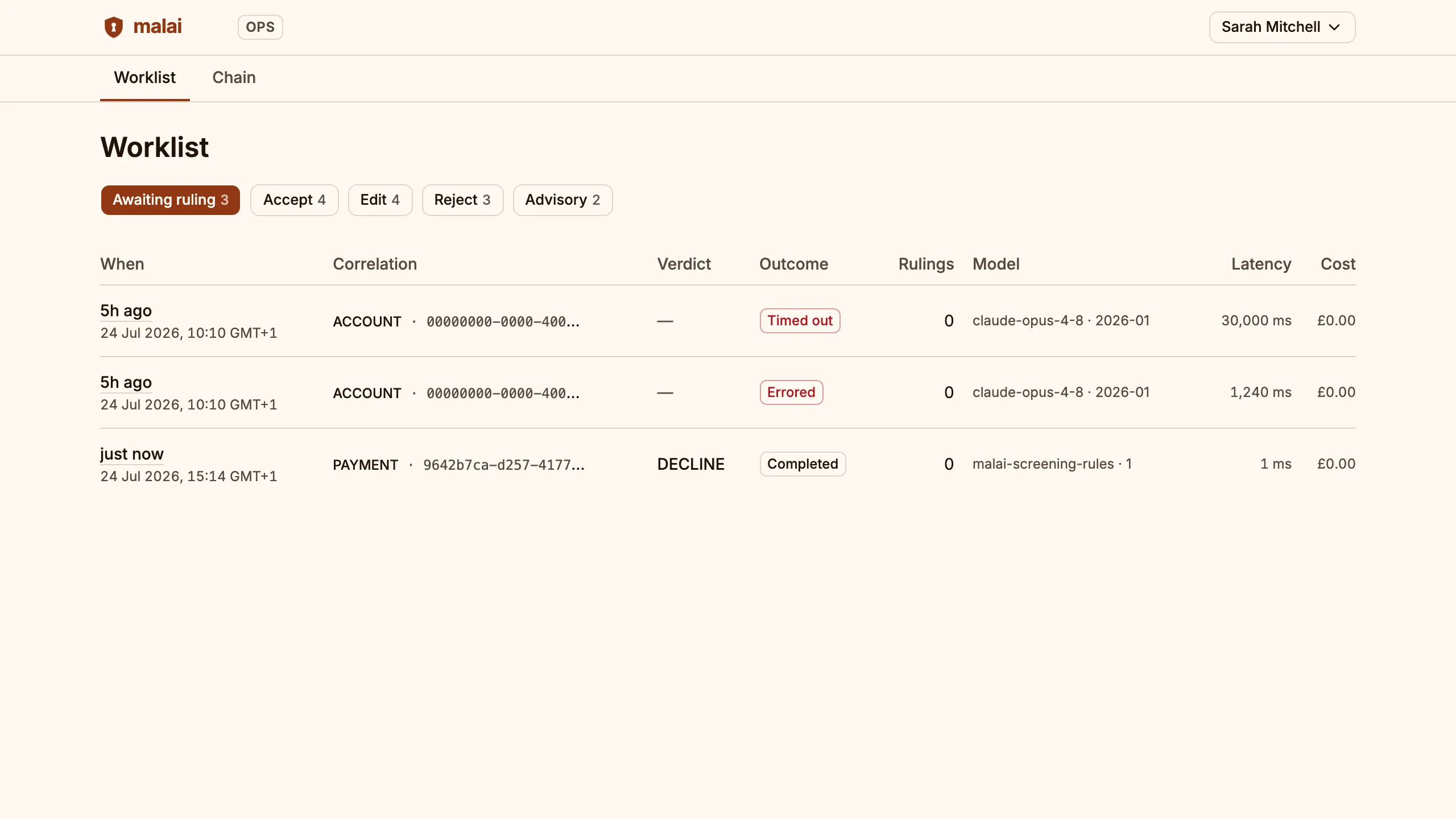
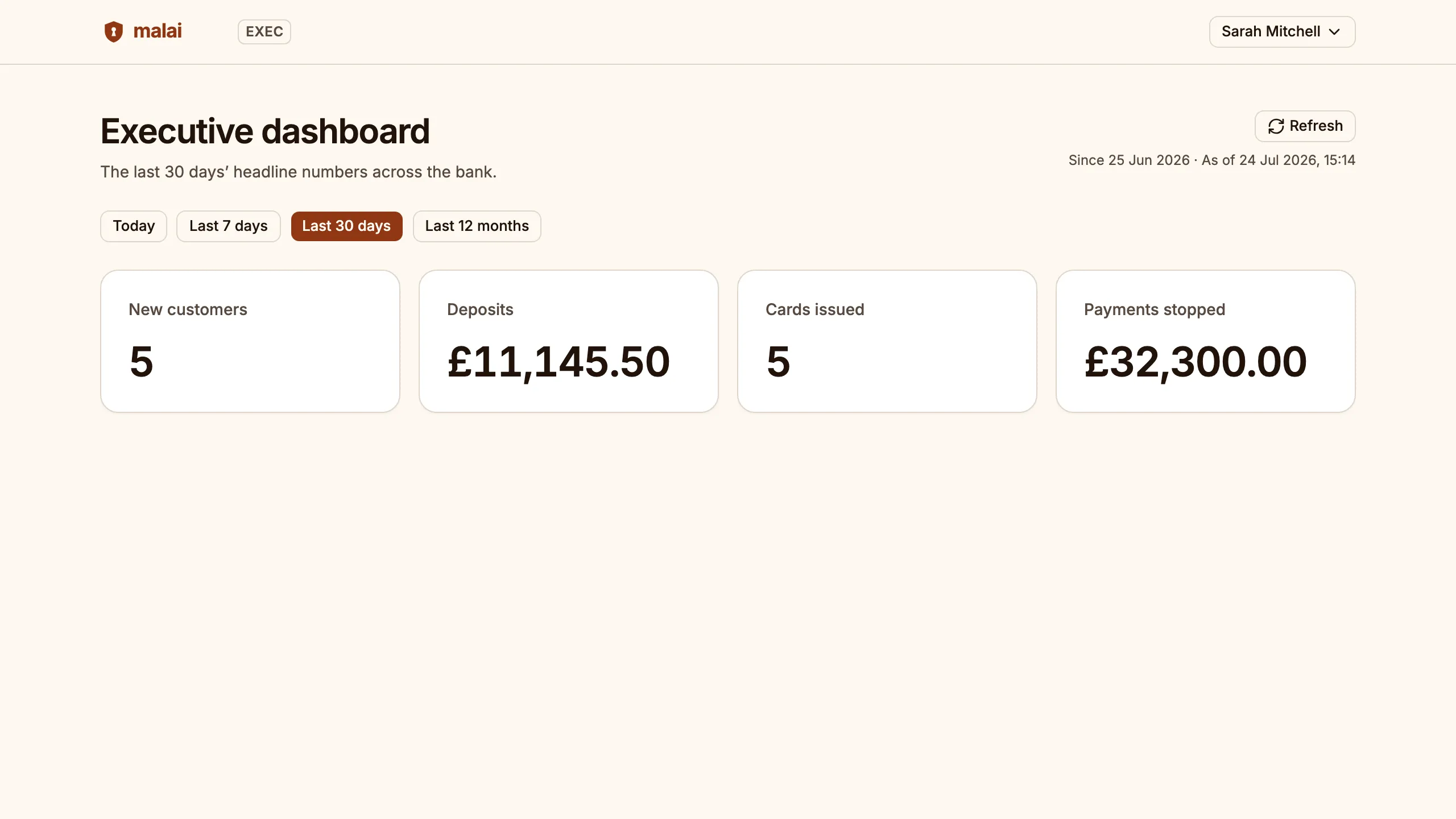
Malai is a complete reference platform for prospective bank operators — a banking core, a customer app, an operations back office for AI-assisted decisions, an executive dashboard, and infrastructure-as-code. It isn't an authorised bank and holds no money, but everything is wired together so you can evaluate the architecture, walk the customer journey, and commission the people who built it to adapt it for your bank.
A bank is more than its customer app. Malai ships three surfaces of one platform — the front of house, the back office and the boardroom — behind one sign-in, with role separation enforced at the API rather than hidden in the interface. Register once in the demo and walk all three.
For the customer
Banking
Accounts, cards, Faster Payments, direct debits, insights and forecasts — the retail app a customer would hold, mobile-first and themeable per brand.
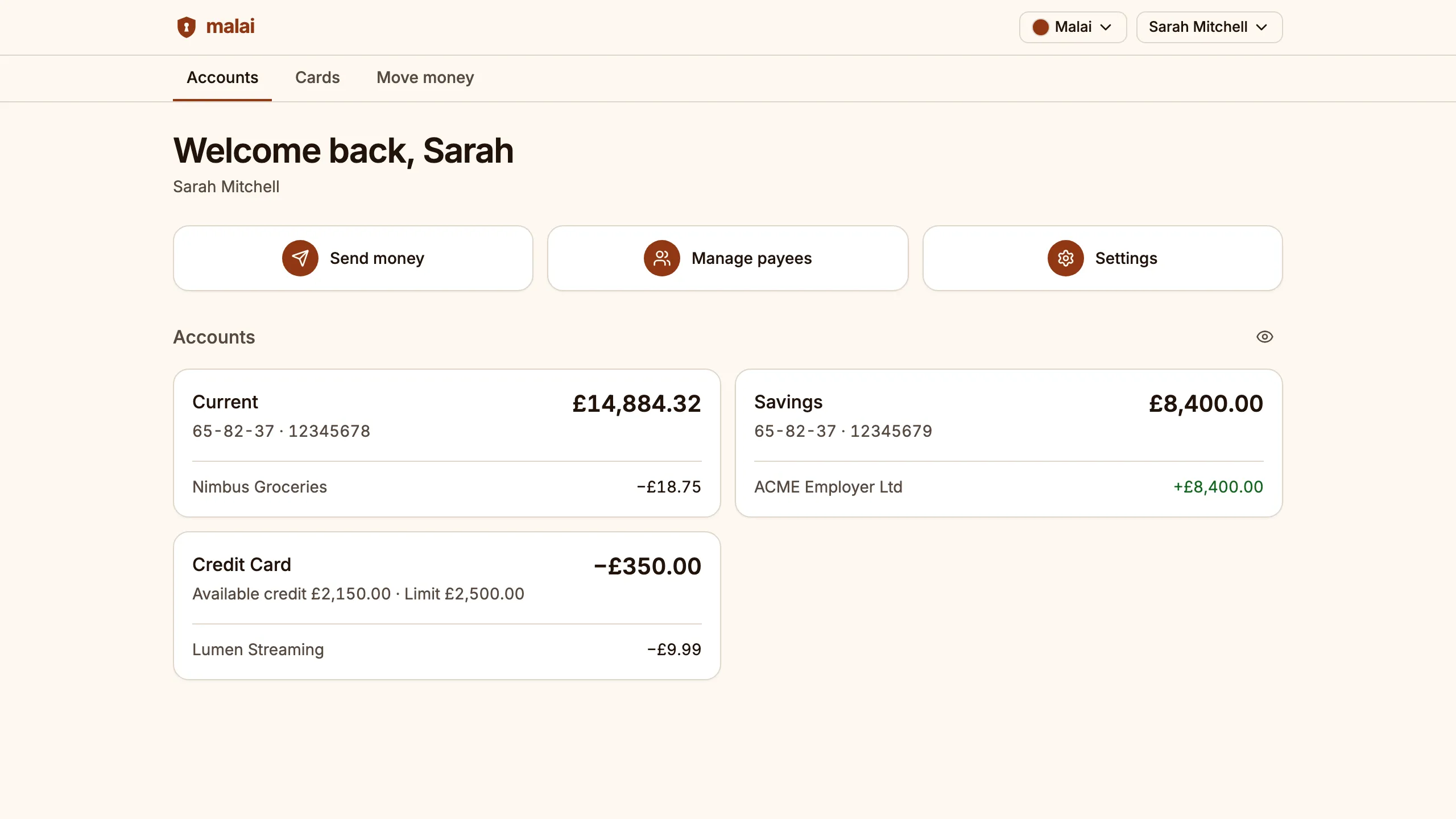
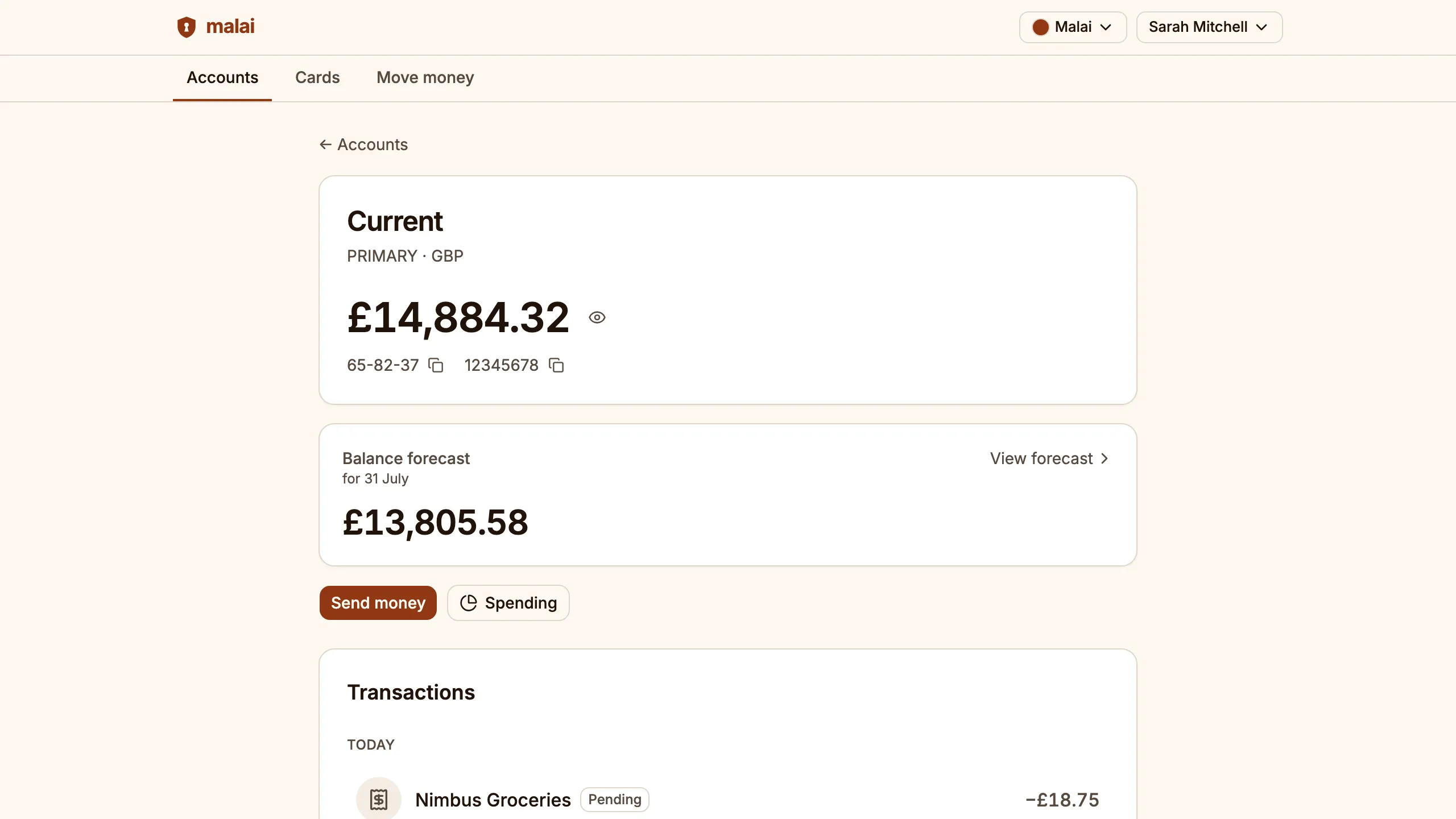
Malai runs as a working retail bank on synthetic money: customers open accounts, fund them, send and receive Faster Payments, set up standing orders and direct debits, freeze and unfreeze their cards, see where their money went and where their balance is heading, and read an auditable history of every move. The capabilities below are not screenshots of a roadmap — each one is live in the demo, behind the same signup the hero links to.
The customer app, signed in to the live demo.
Real-time payments (FPS)
Send and receive Faster Payments end-to-end, with same-second settlement to the recipient.
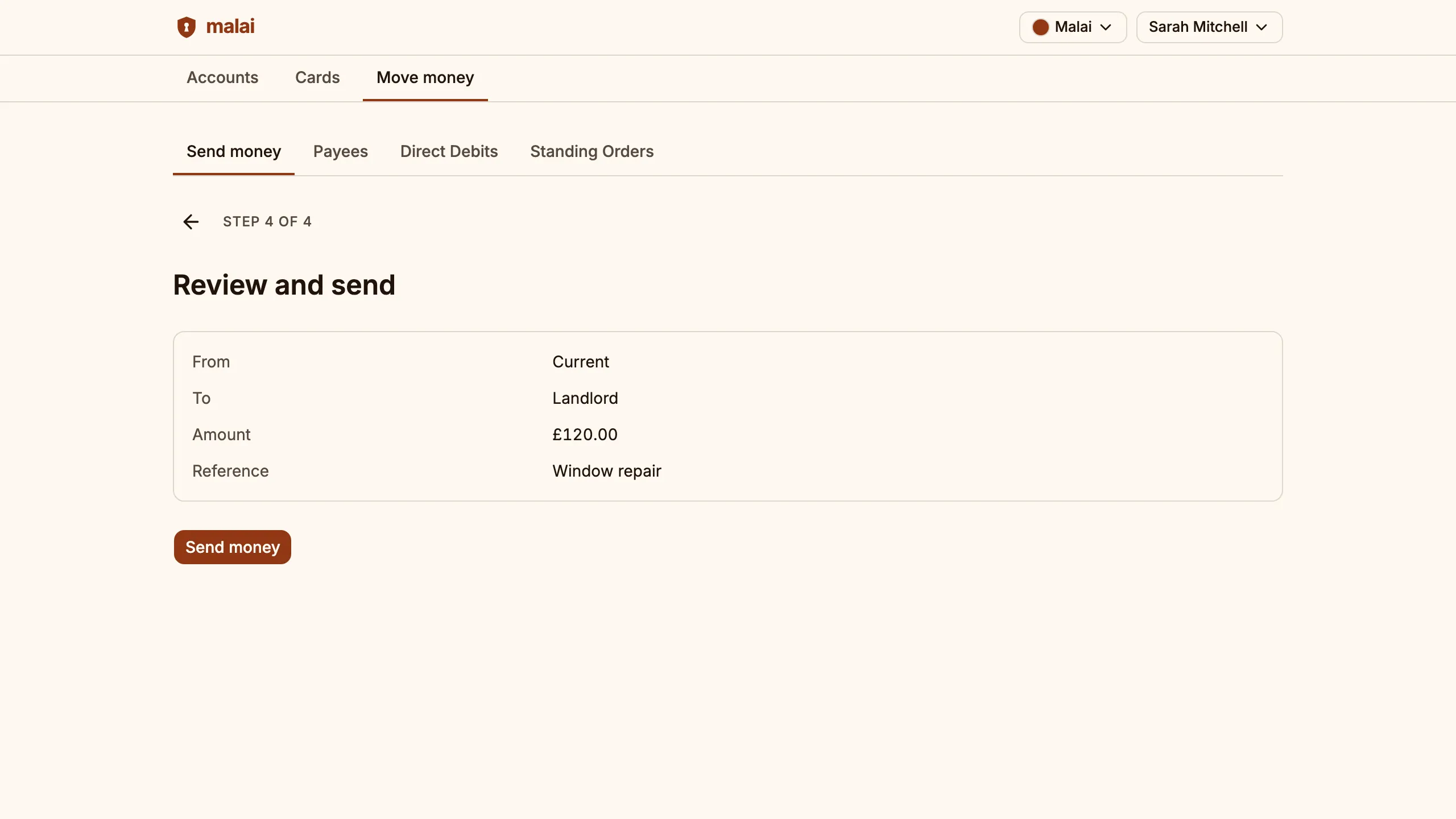
Step 2 of the walkthrough below sends one end-to-end.
Direct debits & standing orders
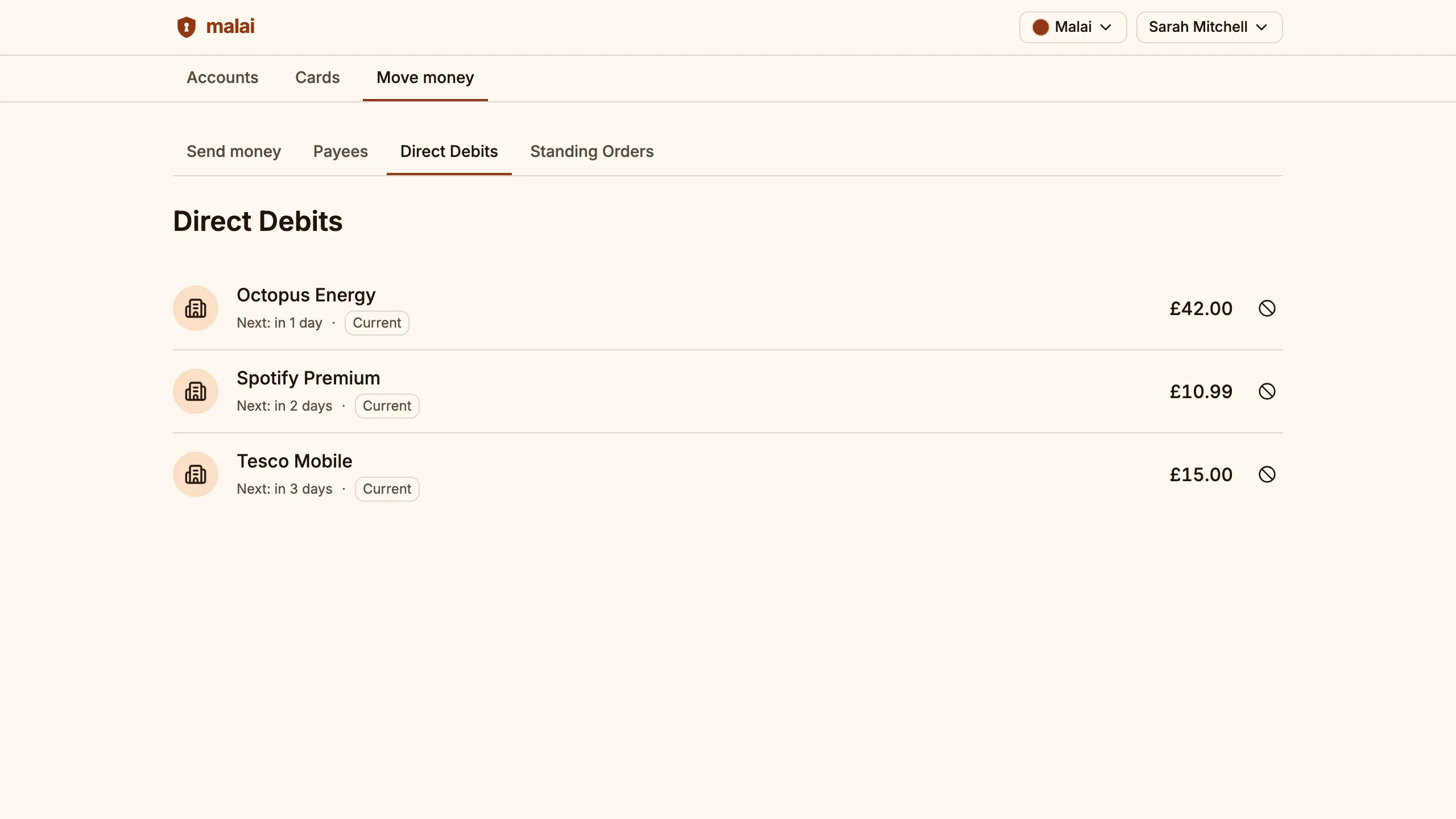
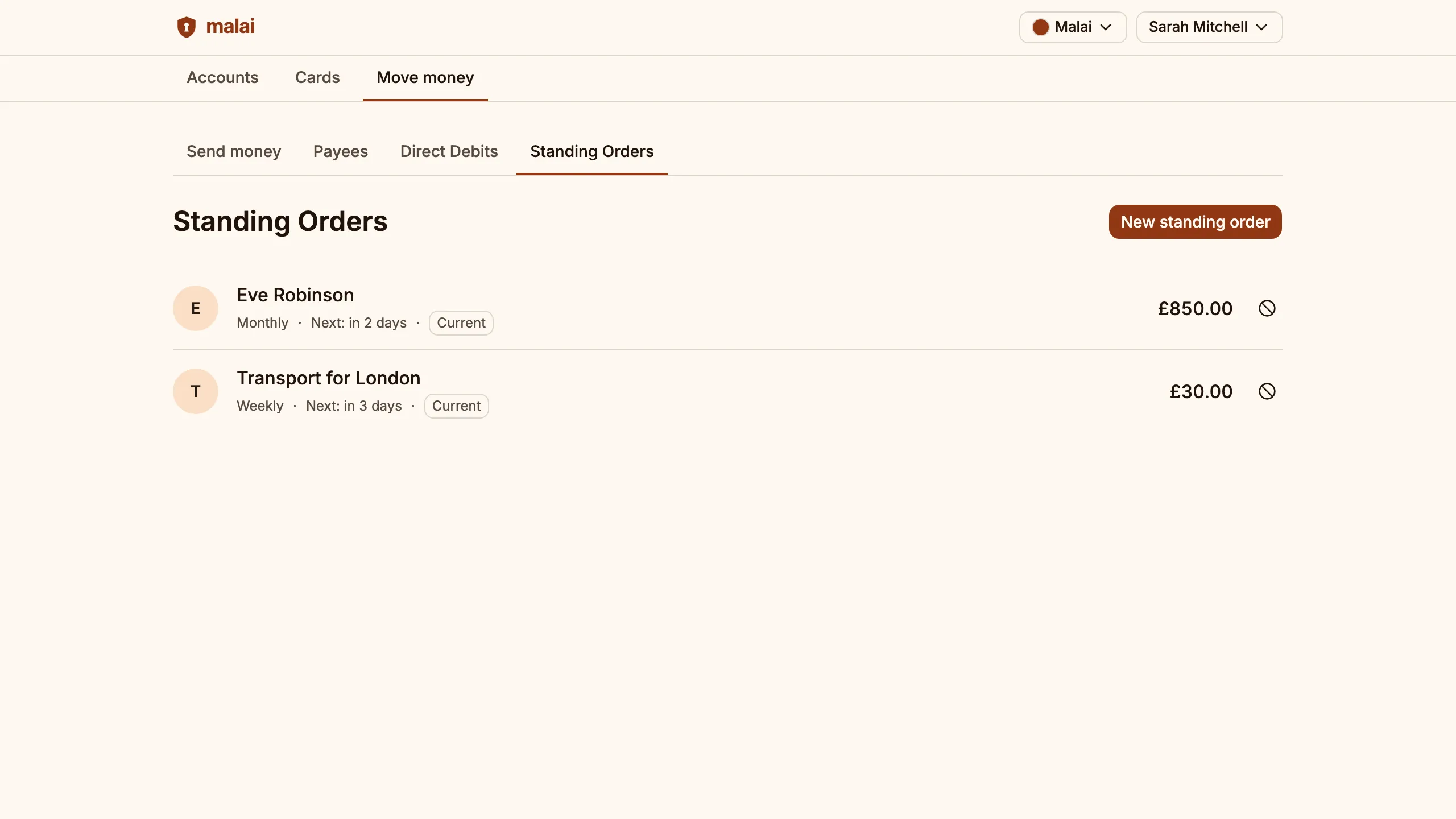
Set up a standing order to push money on a schedule; direct-debit mandates arrive from the biller and can be cancelled anytime — both run automatically.
A locked scheduler fires each run exactly once, even across scaled-out instances, settling through the same ledger as one-off payments.
Confirmation of Payee
Every new payee is name-checked against the receiving bank before any money leaves the account.
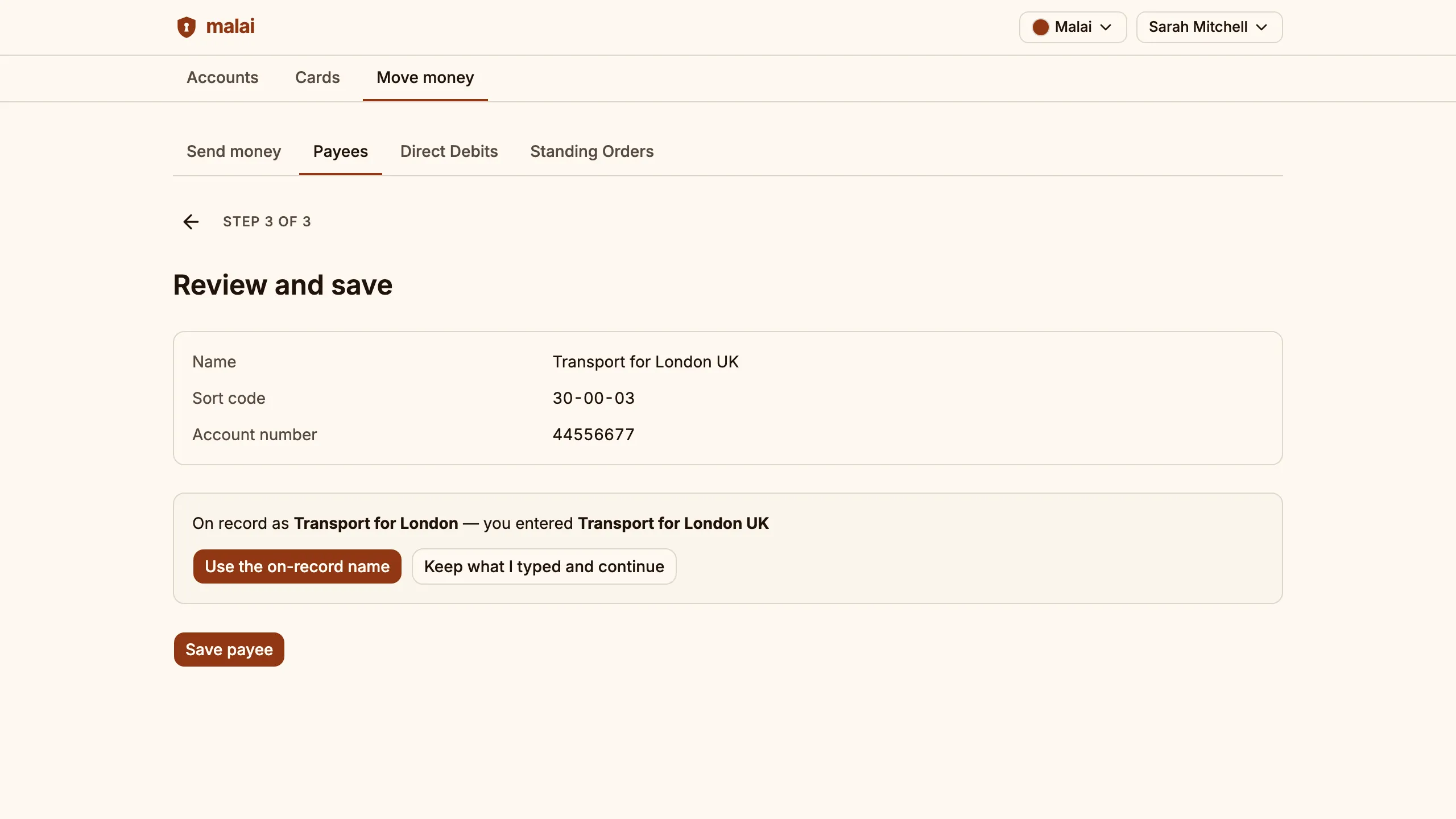
Watch the name-match resolve in step 3 of the walkthrough.
Spending insights
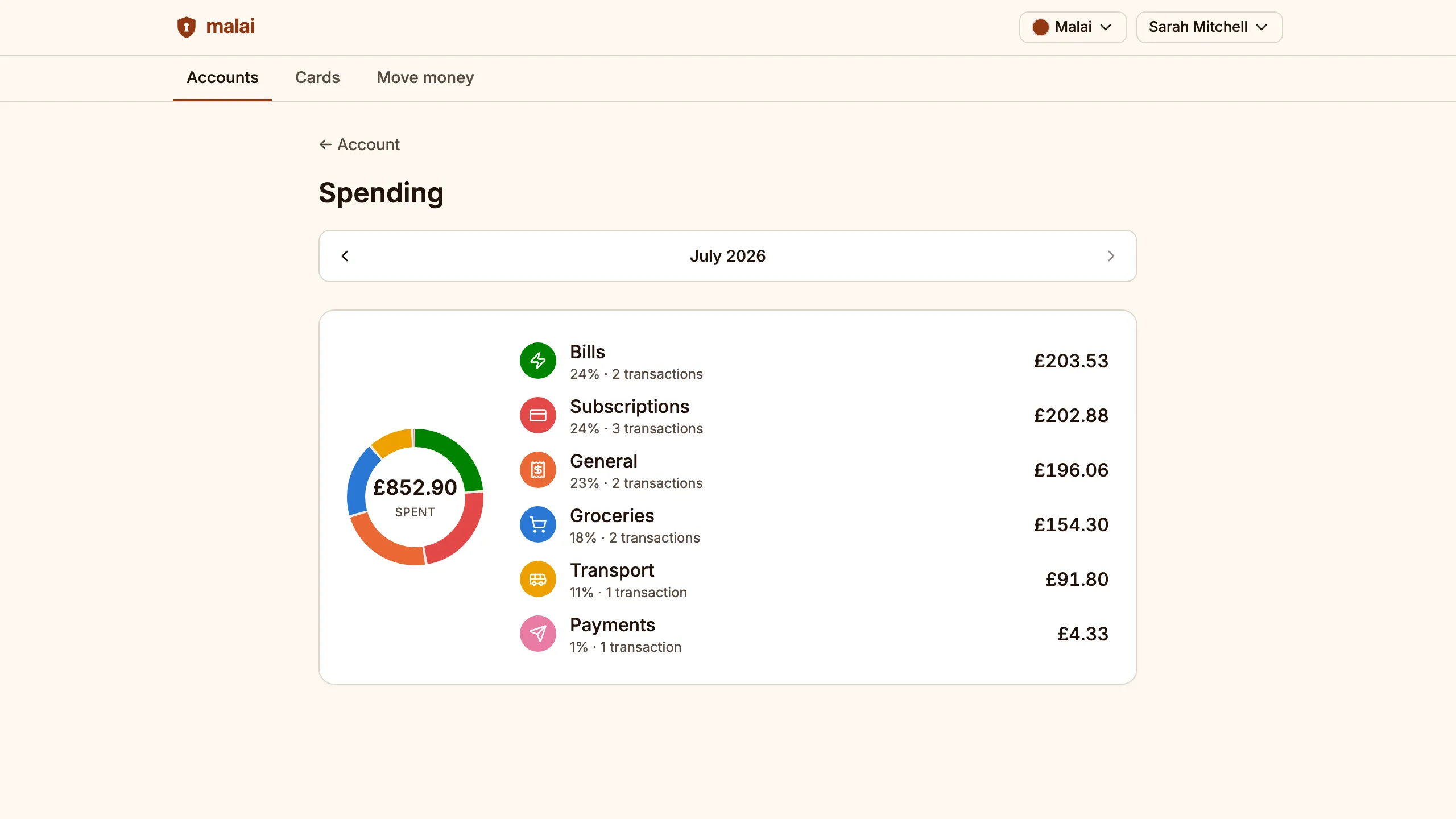
Every transaction is sorted into a spending category automatically, with a month-by-month breakdown of where the money went.
Categories are rule-based and explainable, and any transaction can be re-tagged by hand.
Balance forecast
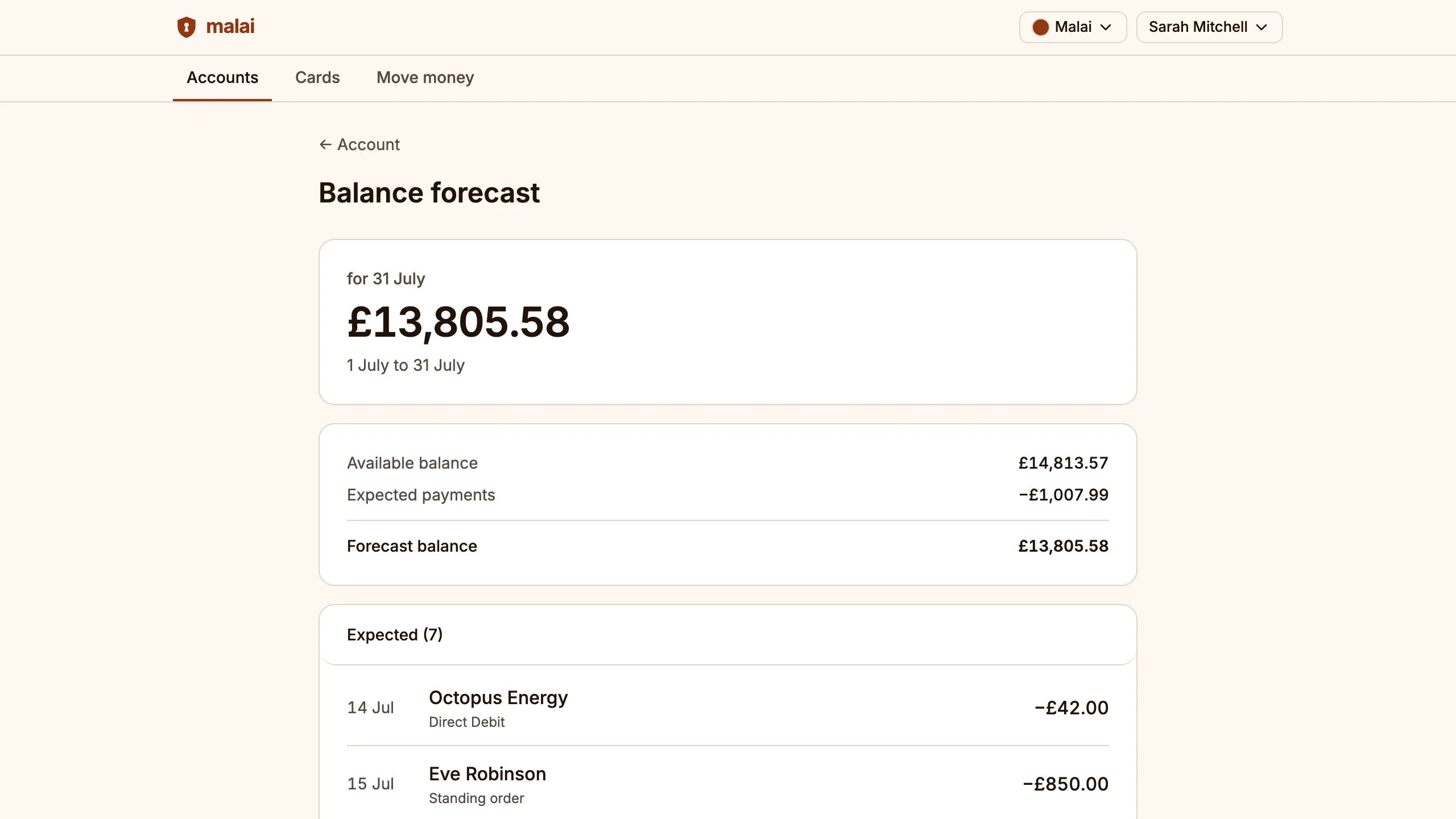
Projects the end-of-month balance from live standing orders and direct debits, flagging early if scheduled payments will leave the account short.
It runs on the same scheduling engine that executes the payments, so the dates it predicts are the dates that fire.
Debit & credit cards
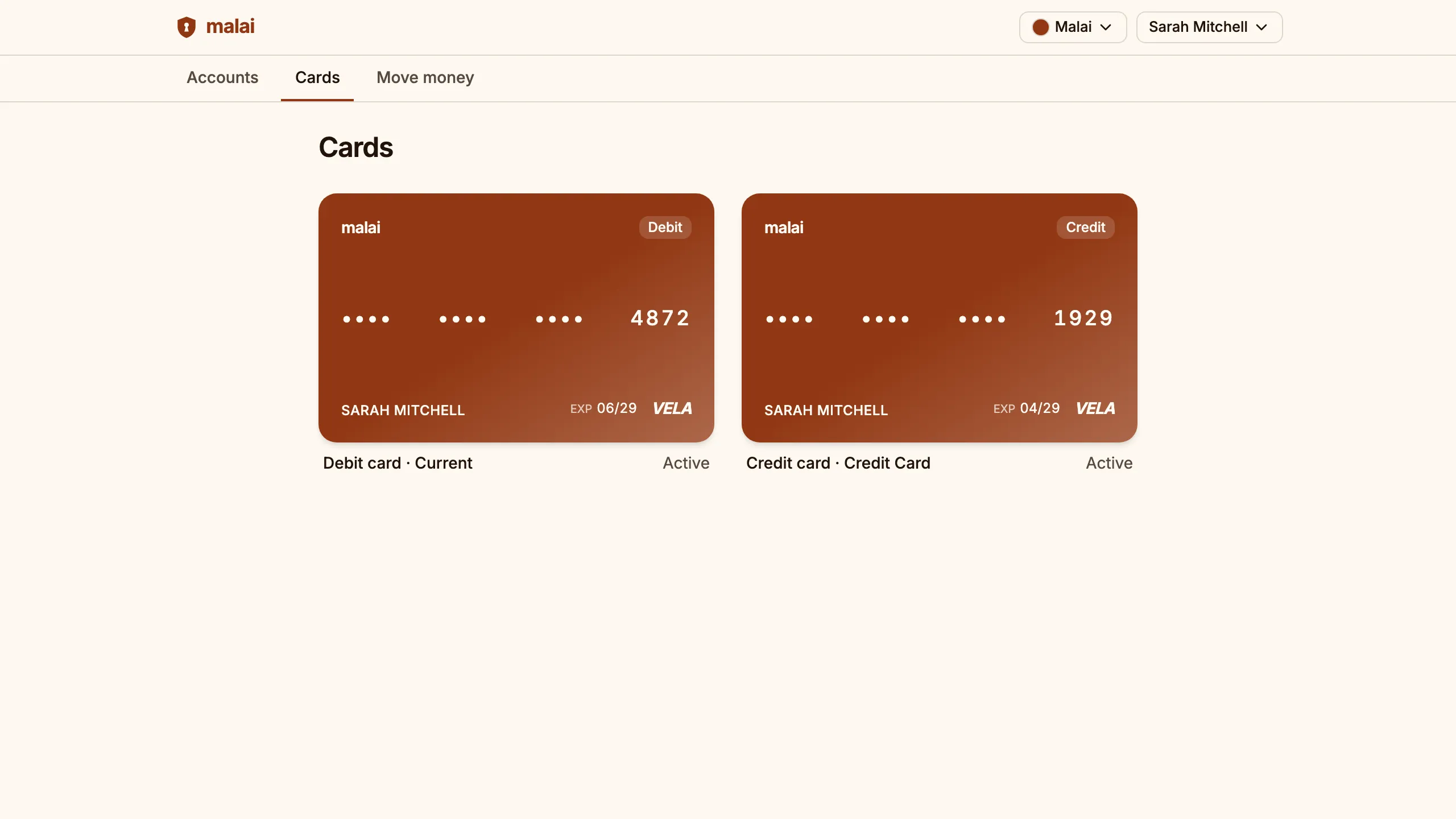
Every account comes with a card: freeze and unfreeze it instantly, report it lost or stolen, and pay the credit card from any account.
Debit cards are issued with the account; credit cards go through an application and settle into their own account on the same ledger.
Multi-rail settlement (BACS, SWIFT)
Real-time rails for retail-speed payments; batch rails for direct debits; cross-border rails for international payments.
The same payment domain drives each rail; one mental model, three settlement paths.
Auditable double-entry ledger
Every transaction debits one account and credits another, and every entry is append-only and hash-chained — money never appears, vanishes, or edits after the fact.
Step 6 of the walkthrough reads the hash-chained ledger record.
Modular, themeable platform
The customer app is mobile-first, and each banking capability is a discrete module that plugs in without rewiring the rest; visual theming reskins the whole app for a new brand without a rebuild.
The newest capabilities on this page plugged in as their own modules, with no core changes.
Follow the money
Step 1
Fund the account
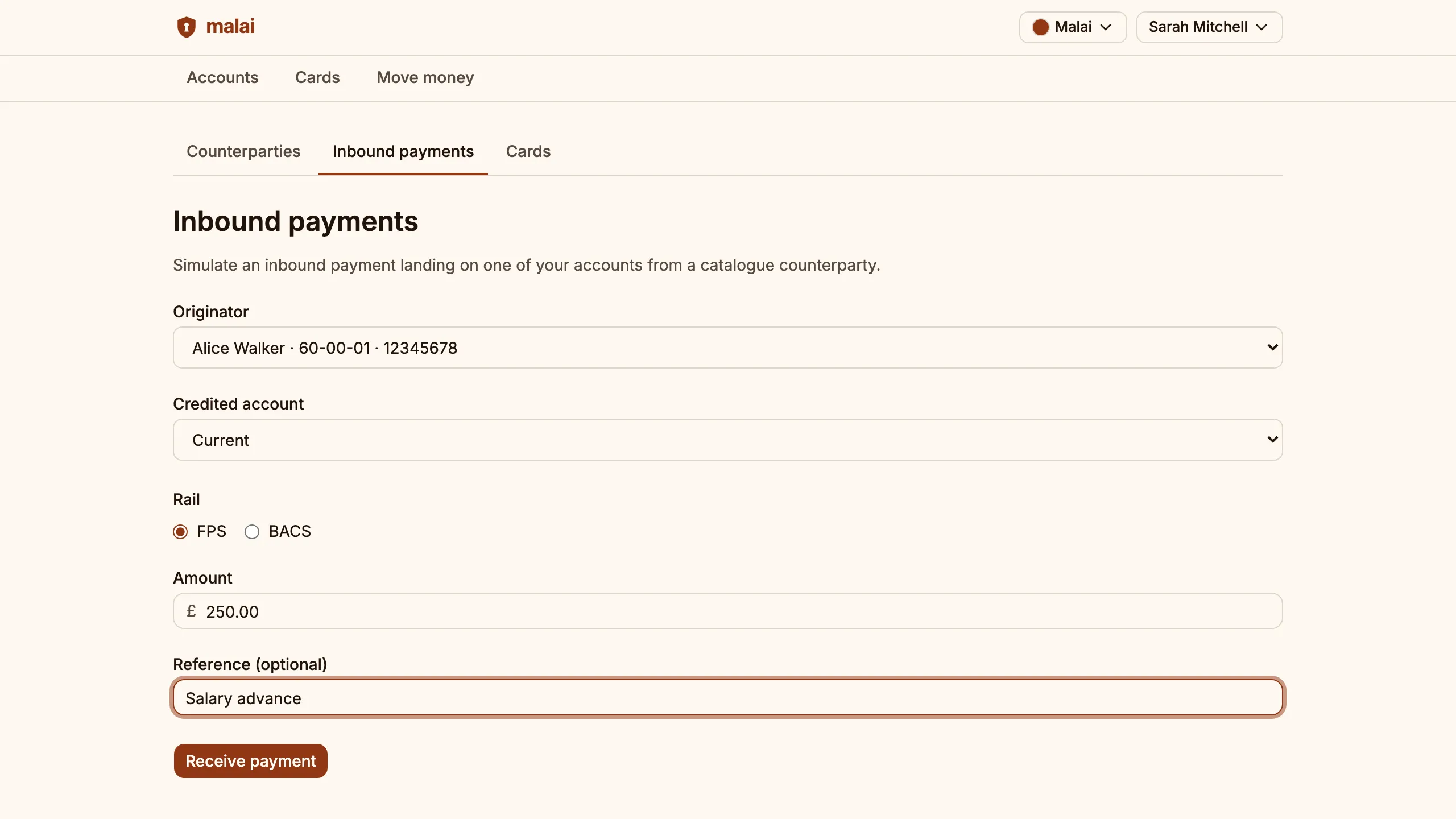
Register in the demo, then credit your sandbox balance from the inbound-payments simulator so the rest of the flow has money to move.
Step 2
Make a Faster Payment
Send a real-time payment to a saved payee and review it before it goes.
Step 3
Run a Confirmation of Payee check
Add a new payee and watch the name-match resolve before the payment is allowed.
Step 4
Put payments on a schedule
Set up a standing order and let the scheduler run it — direct debits collect on the same engine.
Step 5
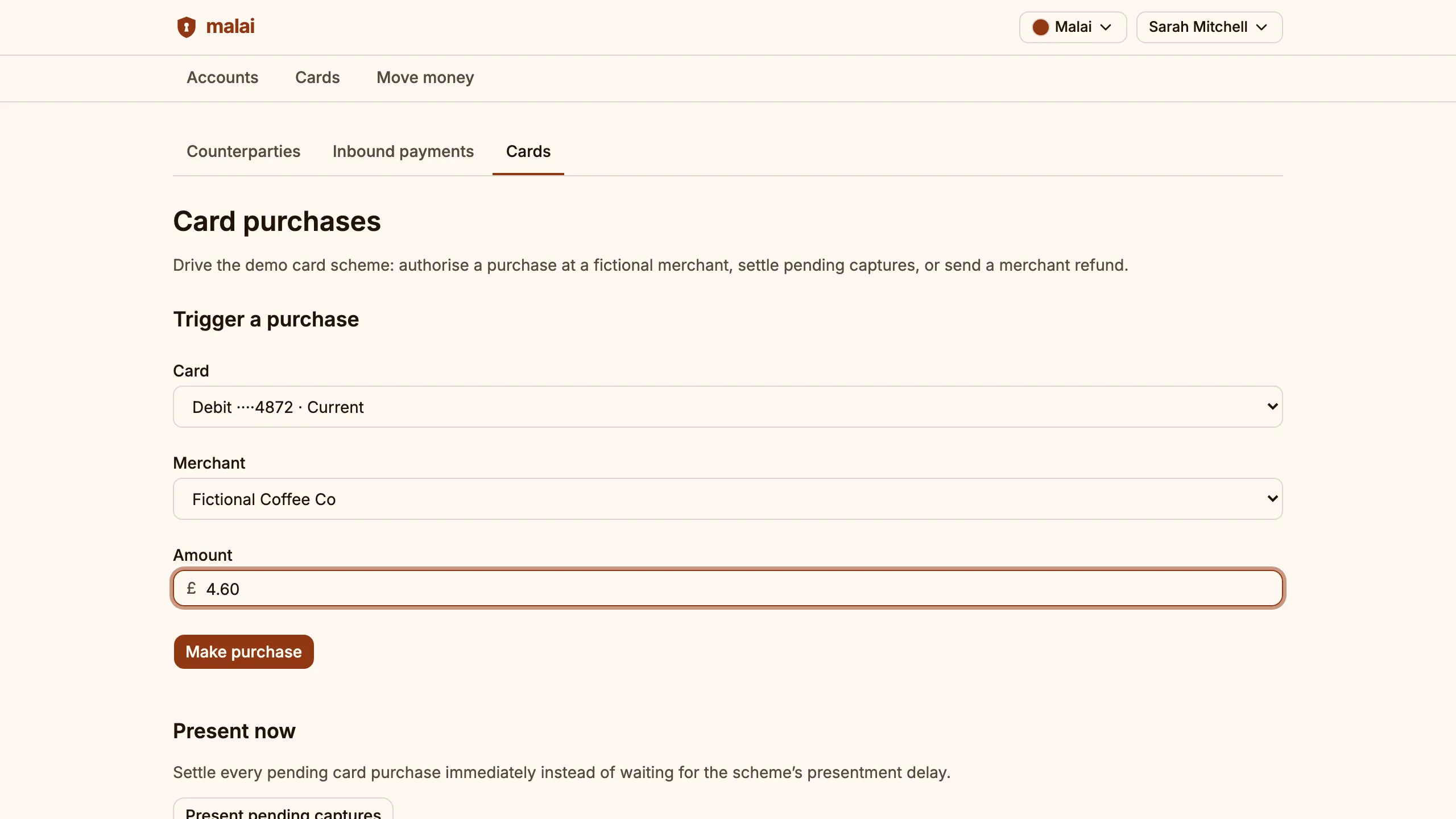
Spend on the card
Authorise a purchase at a fictional merchant in the demo card scheme and watch it settle onto the account.
Step 6
Read the audit entry
Open the account ledger and see the hash-chained record of every move.
This flow also runs as an automated end-to-end test on every merge, recorded as sequence diagrams of the calls the system actually made. Browse the executed flows →
Built for the security review
Standards-language claims with the evidence sitting beside each — identity, data, edge, and operations — so a security review can start from facts, not faith.
Module-fenced services, idempotent writes on sync and async paths, three-pillar observability, and infrastructure-as-code per environment — the patterns a buyer's platform team would inherit.